
To get an Amazon Prime free trial, go to Amazon’s Prime page while signed in, and if your account is eligible you will see a “Start your free 30-day trial” button. You need a current, valid credit card on file, and you will not be charged during the 30 days. At the end of the trial Amazon automatically converts you to a paid membership unless you cancel first. If you want the trial to cover Prime Big Deal Days on October 6 and 7, 2026, start it any time from about September 8 onward so the 30 days are still running when the sale opens.
This guide covers who qualifies, the exact sign-up steps on desktop and mobile, when to start so the trial lines up with the sale, what the trial includes, how to cancel and how refunds work, and the discounted options for young adults and people on government assistance. The rules come from Amazon’s own help pages on the Prime free trial and cancelling Prime, the Amazon Prime Terms and Conditions and Amazon’s guide to signing up for a free trial.
Ready now? Start your free 30-day Prime trial on Amazon (paid link: we may earn a commission if you sign up).
The short answer
- Sign in to Amazon, or create an account.
- Make sure a current, valid credit card is on the account.
- Go to the Prime page and look for “Start your free 30-day trial.”
- Choose monthly or annual billing for after the trial, and confirm.
- Set a reminder a few days before the trial ends, so you can decide whether to keep Prime.
Who qualifies for the free trial
Amazon’s help page says new members can try Prime free for 30 days. It does not promise a trial to everyone: if you are offered one, you will see the option to start it, and if you are not offered one, you can still sign up for a paid membership. Amazon’s own articles use the phrase “if eligible” for the same reason.
The Prime Terms and Conditions explain the general rule: you may enroll in a Prime membership plan if you meet the eligibility requirements described on that plan’s enrollment page or stated in the trial or promotional offer. In practice, the simplest way to know whether you qualify is to sign in and look at the Prime page. If the trial button appears, your account is eligible.
There is one firm requirement. Amazon says your account must have a current, valid credit card to sign up for a free trial, and that options such as an Amazon.com Corporate Line of Credit, checking accounts or prepaid credit cards cannot be used.
How to start the trial on a computer
Amazon’s sign-up guide describes the process in four steps.
- Go to the Prime trial page. Eligible users see a “Start your free 30-day trial” button.
- Sign in or create an account. Choose the plan that fits you, monthly or annual. Amazon says no payment is required during the trial.
- Add a payment method. Select an existing card or add one. Amazon says you will not be charged unless you keep Prime after the 30-day trial.
- Start using the benefits. Your trial includes the benefits of a full membership.
If you already have an account, the sign-up takes a couple of minutes. Our link to start a Prime free trial goes straight to Amazon’s trial page (paid link).
How to start the trial on your phone
Amazon’s guide to signing up on a mobile browser works like this: go to the Prime page, create an account if you do not have one, open the menu, tap “Try Prime,” then tap “Prime Free Trial” and follow the prompts to choose your membership and confirm your billing and shipping address.
One detail matters for Android users. Amazon’s help page notes that customers who sign up for Prime using the Android shopping app must manage their subscription through Google’s subscription services. If you want to manage and cancel everything directly on Amazon, sign up through a browser instead.
When to start so it covers Prime Big Deal Days
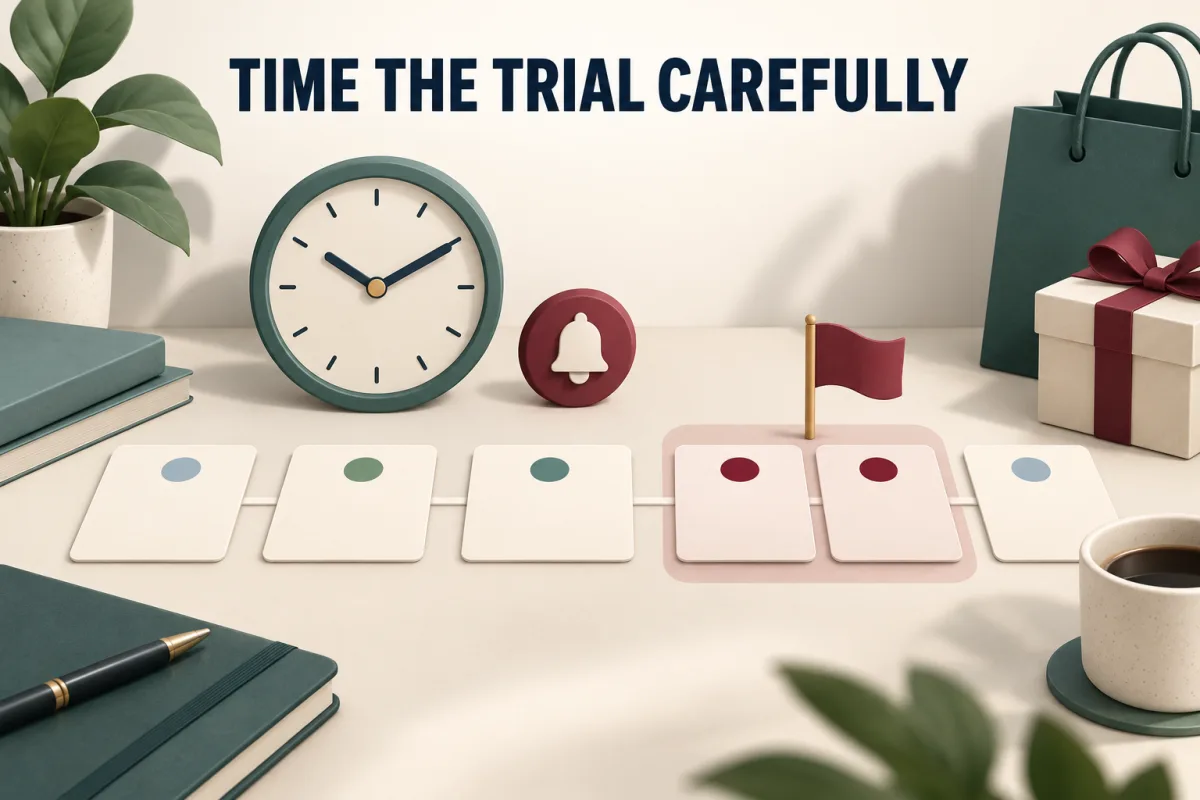
Timing is the part most people get wrong. Prime Big Deal Days runs October 6 and 7, 2026. A 30-day trial started too early can end before the sale begins, and one started too late risks account or payment hiccups right as deals go live. Here is roughly where a 30-day trial ends depending on the day you start it.
| Trial start date | Trial runs until about | Covers October 6 and 7? |
|---|---|---|
| September 1 | October 1 | No, it ends before the sale |
| September 8 | October 8 | Yes, just |
| September 15 | October 15 | Yes |
| September 25 | October 25 | Yes, with early deals included |
| October 1 | October 31 | Yes, and covers Halloween shipping |
| October 5 | November 4 | Yes, but leaves little margin for setup problems |
A start in the last week of September is a good balance. It covers the early deals Amazon says are already running, the event itself, and Halloween delivery, while leaving time to sort out any payment issues. The exact end time depends on your account, so check the date shown on your Prime membership page after you sign up.
What the trial includes
Amazon’s help page says free trial members enjoy all the same delivery, shopping, Prime Video and Prime Gaming benefits as paid members. Its sign-up guide lists what the trial covers.
- Fast, free shipping.
- Prime Video, Amazon Music and Prime Reading.
- Exclusive deals, which includes access to Prime Big Deal Days, and Buy with Prime.
- Newer features such as Alexa+.
In other words, a trial member shops the event on exactly the same terms as someone who has paid for years. There is no second tier of deals for trial members.
Benefits worth using during the trial month
The best way to decide whether to keep Prime is to use it properly for 30 days. Amazon’s benefit guides list several perks that are easy to overlook.
- Lightning Deals early access: Amazon says Prime members get early access to Lightning Deals 30 minutes before the general public.
- Amazon Music: ad-free access to more than 100 million songs, playlists and podcasts, according to Amazon.
- Amazon Photos: unlimited full resolution photo storage plus 5 GB of video storage.
- Prime Reading and First Reads: a rotating collection of over three thousand books, magazines and comics, plus an early release book each month.
- Prime Gaming and Luna: free games, in-game content and a monthly Twitch channel subscription.
- Grubhub+: no delivery fees on eligible restaurant orders, which Amazon values at 120 dollars a year.
- Fuel savings: Amazon says members can save 10 cents per gallon at participating bp, Amoco and ampm locations.
Keep a rough note of what you actually use during the month. If you find yourself streaming, ordering and reading regularly, the membership is likely paying for itself. If the only thing you used was the sale, cancelling is the sensible choice.
Sharing Prime with your household
Amazon Family lets a household share a single Prime membership among two adults, four teens and four children under 13, according to Amazon. Amazon says members can share many benefits this way, including fast, free delivery, digital content and fuel savings, and that adults and teens can use Prime to shop.
For the sale, this means one membership can cover several people’s shopping lists, which changes the math on whether Prime is worth it. It also means there is no need for every adult in a household to start a separate trial just to shop the event.
Is it safe to start a trial through a link?
Yes. The trial links on this page go directly to Amazon, and the sign-up happens entirely on Amazon’s own site, where you sign in and add your payment details. We never see your account or card information. The links are affiliate links, which means Daily Deal Here may earn a commission if you sign up, at no extra cost to you. If you prefer, you can type amazon.com/prime into your browser and sign up there instead. The trial and its terms are the same either way.
What happens when the trial ends
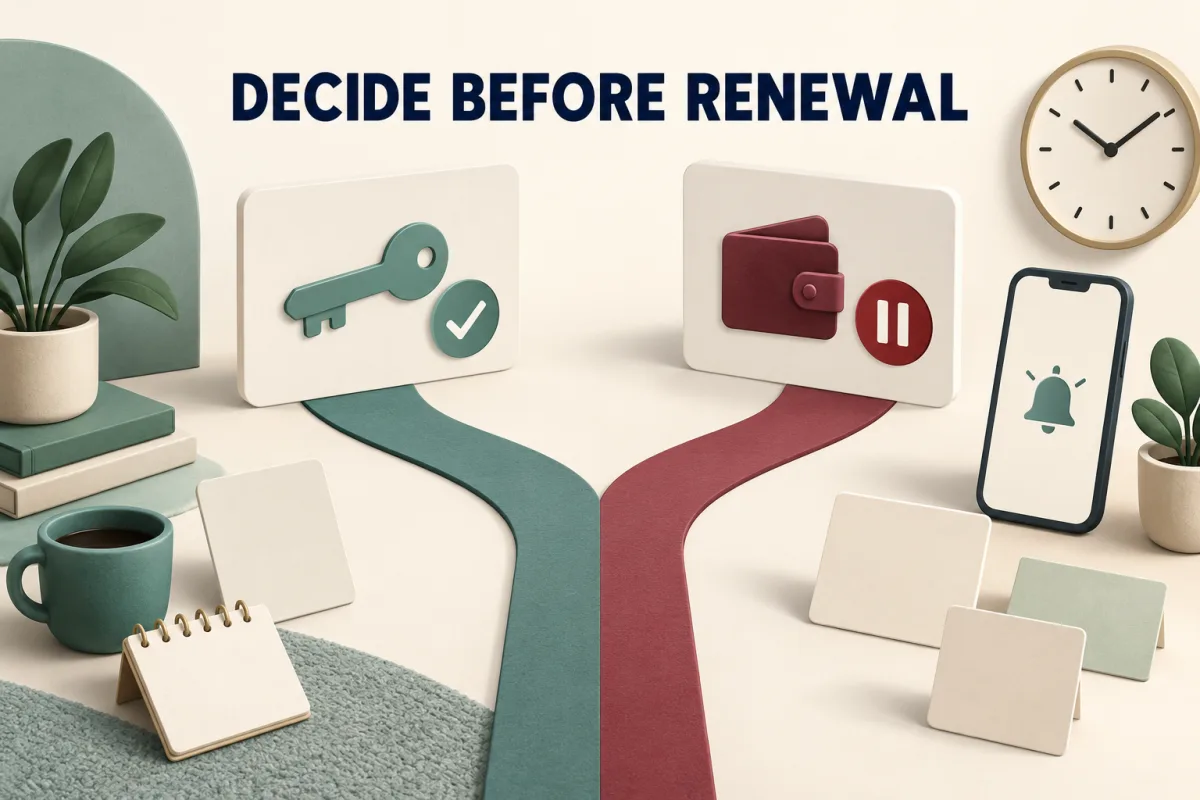
This is the rule to remember. Amazon’s help page states that while you will not be charged for the free trial, you will be upgraded to a paid membership plan automatically at the end of the trial period. Amazon’s sign-up guide adds that you can cancel anytime under “Manage Prime Membership,” and should cancel before the trial ends to avoid charges.
- Put the end date in your calendar the day you sign up.
- Set the reminder a few days early, not on the last day.
- Decide based on how you actually used Prime during the month, not on how you expected to use it.
How to cancel
Amazon’s cancellation help page is short: visit the Cancel Your Prime Membership page and follow the prompts. You can also manage your membership from your Prime membership page. If you need more help, Amazon suggests going to the Customer Service homepage, choosing “Something else” and then “I need help with something else.”
Two exceptions are worth knowing. If you signed up through Google Play on Android, you cancel through Google’s subscription services. If your Prime is tied to another company’s service, you contact that company. Amazon also notes that add-on subscriptions through Prime Video, such as Paramount+, continue after your Prime membership ends, so cancel those separately if you do not want them.
How refunds work if you forget
If the trial converts to a paid membership before you cancel, the Prime Terms and Conditions set out the refund rules.
| When you cancel | What Amazon’s terms say |
|---|---|
| Within 3 business days of converting from a free trial to paid | Full refund of the membership fee, though Amazon may charge or withhold the value of Prime benefits you used during those 3 business days |
| At any other time | Full refund only if you and your account made no eligible purchases and used no Prime benefits since the latest membership charge |
| Paid members who have not used benefits | Eligible for a full refund of the current period, processed in three to five business days, per Amazon’s cancel help page |
The safest path is still to decide before the trial ends. But if you do get charged, cancelling quickly gives you the best chance of a refund.
Can you pause instead of cancelling?
Amazon lets eligible paid members pause billing and benefits, but not during a trial. Its pause help page says you are not eligible to pause if you are on a free trial plan or discounted offer, have a Student Prime membership, joined through a third party, or are on certain other plans. Monthly members can pause for one month with automatic resume, and monthly or annual members can pause for up to a year and resume manually.
So if you finish your trial, keep Prime, and later want a break, pausing may be an option. During the trial itself, the choice is simply keep or cancel.
The six-month trial for young adults and students
If you are between 18 and 24, or a higher education student, look at Prime for Young Adults before the standard trial. Amazon says eligible new members can try it for six months at no cost, then pay 7.49 dollars a month or 69 dollars a year, which is half the regular price. Members get the same benefits as regular Prime, plus 5 percent cash back for a limited time on beauty, apparel, electronics and personal care, and Amazon says that cash back stacks on eligible deals during Prime Big Deal Days.
Amazon points young adults to its student sign-up page for this offer. You can check Prime for Young Adults on Amazon (paid link).
Prime Access for people on government assistance
Prime Access includes every Prime benefit for 6.99 dollars a month. Amazon says eligible new members get a free 30-day trial before the monthly charge begins. To qualify, you verify your income or upload proof of participation in one of 13 programs, including SNAP EBT, Medicaid, WIC, SSI, the Direct Express debit card, TANF, the National School Lunch Program, LIHEAP, SSDI and federal public housing assistance. Eligibility must be reverified every 12 months, and you can cancel at any time.
If you already have Prime, Amazon says you can switch your membership to Prime Access. You can check Prime Access eligibility on Amazon (paid link).
Monthly or annual if you keep it
Amazon lists standard Prime at 14.99 dollars a month or 139 dollars a year. Twelve monthly payments add up to 179.88 dollars, so the annual plan saves 40.88 dollars over a full year. The monthly plan makes more sense if you only want Prime for part of the year, for example around Prime Day and the fall sale, since you can cancel between events.
| Plan | Listed price | Cost over 12 months | Best for |
|---|---|---|---|
| Monthly | 14.99 dollars per month | 179.88 dollars | Shoppers who want Prime only some months |
| Annual | 139 dollars per year | 139 dollars | Regular shoppers and streamers |
| Young Adults | 7.49 dollars per month or 69 dollars per year | 69 dollars on the annual plan | Ages 18 to 24 and students |
| Prime Access | 6.99 dollars per month | 83.88 dollars | Qualifying assistance recipients |
If Amazon does not offer you a trial
Amazon’s help page says that if you are not offered a free trial, you can still sign up for Prime. For a shopper who only wants the event, a single month on the monthly plan is the straightforward route: join shortly before October 6, shop the sale, and decide afterward whether to keep it. Read the refund rules above before you do, because using Prime benefits affects whether a later refund is possible.
Whether one paid month is worth it depends on what you plan to buy. Our breakdown of whether Prime is worth it just for Prime Big Deal Days walks through the math.
Getting the most out of a trial during the sale
- Know the schedule. The event starts at 12:01 a.m. PDT on October 6 and runs 48 hours, with new deals at midnight, 8 a.m. and 1 p.m. PDT. Our guide to when Prime Big Deal Days starts converts those times to every US time zone.
- Make a list first. Save the items you want to an Amazon list before the event.
- Check price history. Amazon says product pages show up to 365 days of price history, which tells you whether a deal is real.
- Use the other benefits. Stream, read and use free delivery during the month, so you can judge whether Prime is worth keeping.
For a full preparation checklist, see how to prepare for Prime Big Deal Days, and for ideas by category, what to buy on Prime Big Deal Days.
A quick checklist before you click
- You are signed in to the account you actually shop with.
- A current, valid credit card is saved on that account.
- You are using a web browser, not the Android app, if you want to manage billing on Amazon.
- Today is between about September 8 and October 5, so the trial covers the sale.
- You have checked whether Prime for Young Adults or Prime Access fits you better.
- You have a calendar reminder ready for a few days before day 30.
With those six points covered, the sign-up itself takes a couple of minutes, and you will go into the event with nothing left to sort out.
Common trial mistakes
- Starting in early September. A trial started September 1 ends around October 1, before the sale.
- Using a debit or prepaid card. Amazon requires a current, valid credit card for the trial.
- Signing up in the Android app without meaning to. That routes billing through Google.
- Forgetting add-on channels. Paid Prime Video channels continue after Prime ends unless you cancel them.
- Waiting until the last day to decide. The conversion is automatic, so give yourself a few days of margin.
Ready to join? Start your free 30-day Prime trial on Amazon. If Amazon does not offer your account a trial, you can still see Amazon’s paid Prime membership plans. (Paid links: we may earn a commission if you sign up.)
Frequently asked questions
How do I get an Amazon Prime free trial?
Sign in to Amazon, make sure a current, valid credit card is on your account, and go to the Prime page. If your account is eligible, you will see a Start your free 30-day trial button. Choose monthly or annual billing for after the trial and confirm.
Is the Amazon Prime free trial really free?
Yes. Amazon says you are not charged during the trial. At the end of the 30 days, you are upgraded to a paid plan automatically unless you cancel first, so set a reminder before the end date.
When should I start a Prime trial for Prime Big Deal Days?
Any time from about September 8 means a 30-day trial is still running on October 6 and 7. A start in the last week of September also covers Amazon’s early deals and Halloween delivery.
Can I use a debit card for the Prime free trial?
Amazon’s help page says your account must have a current, valid credit card, and that options such as a corporate line of credit, checking accounts or prepaid credit cards cannot be used for the trial.
How do I cancel Prime before the trial ends?
Visit Amazon’s Cancel Your Prime Membership page and follow the prompts, or manage it from your Prime membership page. If you signed up through the Android app, cancel through Google’s subscription services.
Can I get a refund if I forget to cancel?
Amazon’s terms say that if you cancel within 3 business days of converting from a trial to paid, you get a full refund, minus the value of benefits used in that period. Later refunds depend on whether you used Prime benefits or made eligible purchases.
Is there a longer free trial for students?
Yes. Prime for Young Adults, for ages 18 to 24 and higher education students, offers a six-month trial at no cost for eligible new members, then 7.49 dollars a month or 69 dollars a year.
What if Amazon does not offer me a free trial?
Amazon says you can still sign up for Prime. For the sale alone, one month on the monthly plan is the simplest option. Read the refund rules first, since using Prime benefits affects later refunds.
Check that your account shows the trial button, start it in the last week of September, put the end date in your calendar, and go into October 6 with your list ready. The trial gives you the same access to the sale as any paying member.







Write Your Review
No reviews yet. Be the first to share your experience!