

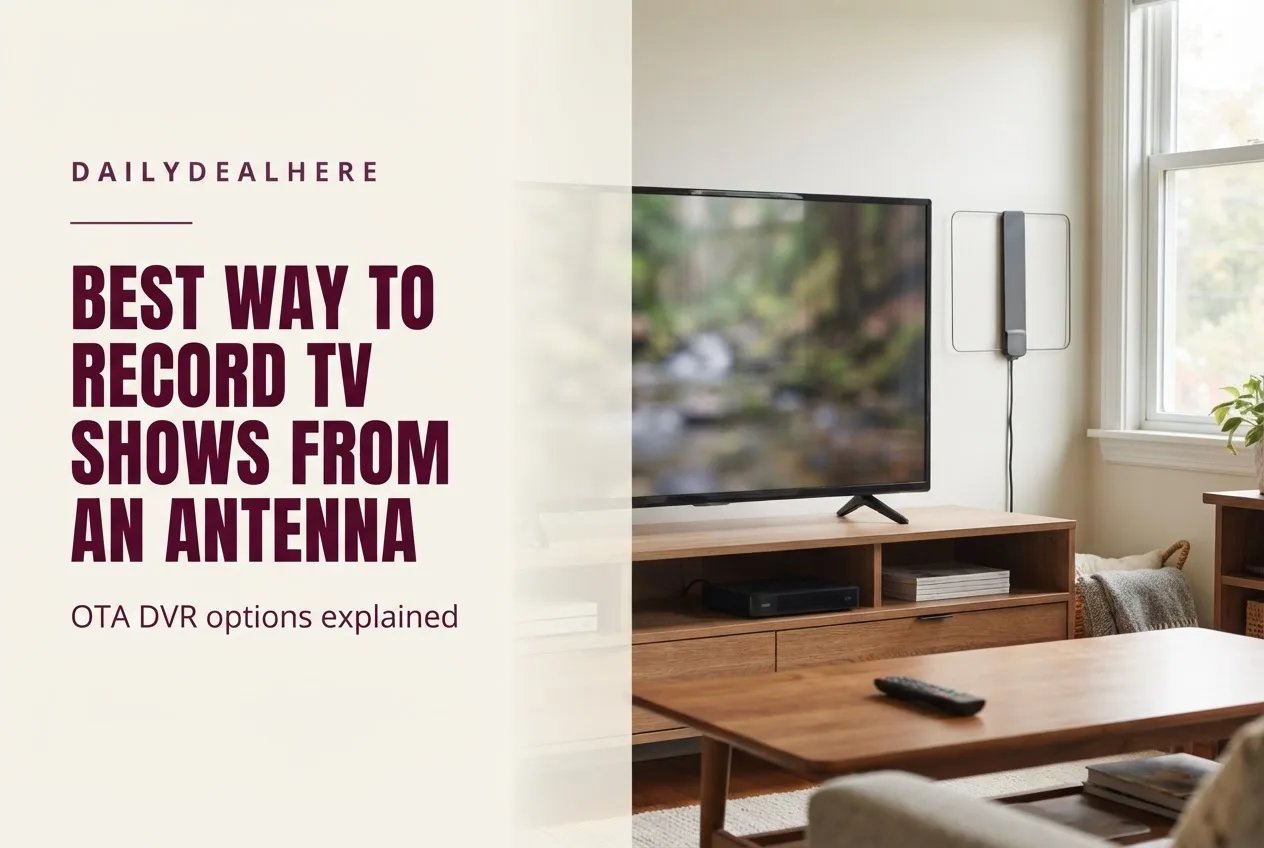
The best way to record TV shows from an antenna is an over-the-air DVR: a box that takes the antenna’s signal, lets you pause and rewind live TV, and stores recordings on a hard drive or across your home network. There are two main designs. A standalone DVR connects between the antenna and one TV, much like an old cable box. A network tuner connects the antenna to your router and lets every TV, phone and tablet in the house watch and record through an app. Which is best depends on how many TVs you have, how many shows you want to record at once, and whether you are willing to pay a subscription for the guide and recording features.
This guide explains how antenna recording works, the main types of DVR and what each asks of you, how to set one up, and the features that matter when you compare them. It draws on The Free TV Project’s guide to recording over-the-air TV, the Plex support article on Live TV and DVR, and SiliconDust’s HDHomeRun DVR page. Product details mentioned below reflect those pages as of September 2026.
The short answer
- Simplest for one TV: a standalone over-the-air DVR connected between the antenna and the TV.
- Best for a whole house: a network tuner such as HDHomeRun, which puts live and recorded TV on every device on your home network.
- Best if you already run a media server: a network tuner paired with Plex, whose DVR feature requires a paid Plex Pass.
- Check the ongoing costs: some DVRs include a basic guide with purchase, while others need a monthly, yearly or lifetime plan to record.
- Count your tuners: each tuner records one channel at a time, so two tuners means two shows at once.
- Plan storage: built-in storage fills up, so check whether you can add a USB hard drive or network storage.
How recording antenna TV works
An antenna receives free broadcast TV from local stations. To record it, you need a device with a tuner, which decodes the broadcast signal, and storage, which saves the video. The Free TV Project explains that a DVR stores video digitally, so it does not need removable media such as DVDs. Standalone units store recordings on a hard drive, while cloud DVR services keep recordings on the provider’s servers.
The same guide flags an important point before you buy: not every DVR is compatible with a TV antenna, and some that are compatible can be challenging to set up. A DVR designed for a cable or streaming service will not necessarily accept an antenna signal, so look for one explicitly sold as an over-the-air, or OTA, DVR.
Once set up, an OTA DVR does more than record. The Free TV Project notes that you can usually pause and rewind any show you are watching live, even if you are not recording it, and then jump back to the live point.
The main ways to record antenna TV
| Approach | How it works | Good for | What to watch for |
|---|---|---|---|
| Standalone OTA DVR box | Sits between the antenna and one TV, with its own remote and guide | One main TV, people who want a cable box style experience | Some models need a service plan to record and use the guide |
| Network OTA DVR | Connects the antenna to your router and streams to apps on your devices | Several TVs, phones and tablets in one home | Needs a solid home network and compatible streaming devices |
| Network tuner plus media server | A tuner such as HDHomeRun feeds a server such as Plex that manages recordings | People who already run a home media server | More setup, and the Plex DVR needs a Plex Pass |
All three approaches record the same free broadcasts. The difference is where the recordings live, how many screens can watch them, and how much setup and subscription you are willing to take on.
Standalone OTA DVRs
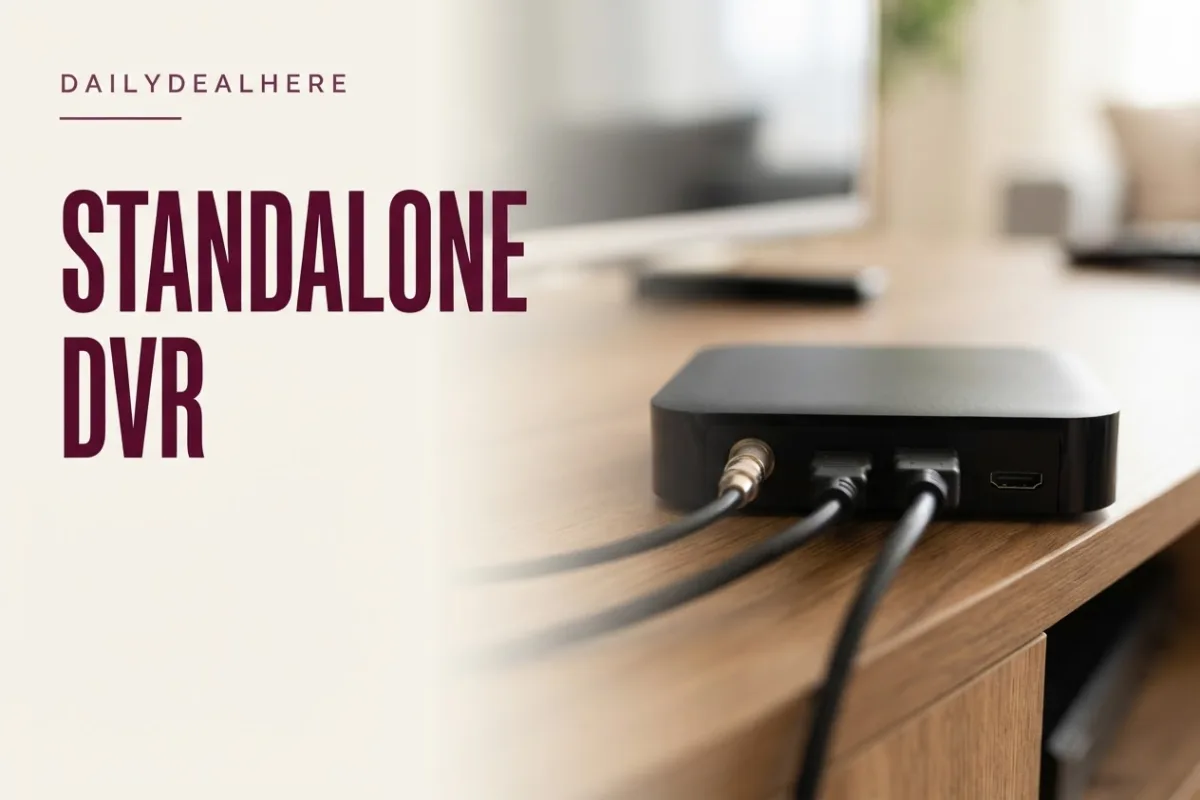
A standalone DVR is the closest thing to a familiar cable box. The antenna plugs into the back, an HDMI cable runs to the TV, and you use its remote and on screen guide. The Free TV Project gives the TiVo EDGE for Antenna as an example, describing it as recording two shows at once, storing up to 75 hours of HD programming on 500GB, and offering monthly, yearly or lifetime service plans that include guide data, recording and features such as SkipMode and multi-room viewing.
The appeal is simplicity for a single main TV. The tradeoff is that recordings are tied to that box, unless the model supports streaming to other rooms, and the service plan adds to the cost over time. The Free TV Project advises factoring software or cloud storage fees into your budget because they increase the overall cost of the DVR.
Network DVRs such as Tablo
Network DVRs connect to your router instead of directly to a TV, and you watch through apps on smart TVs, streaming sticks, phones and tablets. The Free TV Project describes Tablo’s fourth generation models as available with two or four tuners, including the ability to record up to 50 hours of shows, a 14-day guide and extra free streaming channels with the one-time purchase. It also notes you can add a USB portable hard drive for more space, with Tablo recommending USB 2.0 or 3.0 drives from 1TB to 8TB.
The Free TV Project explains that DVRs with Wi-Fi or Ethernet can stream recordings to other devices and often have apps so you can reach recordings remotely. For households where different people watch on different screens, that flexibility is the main reason to choose a network design.
Network tuners such as HDHomeRun
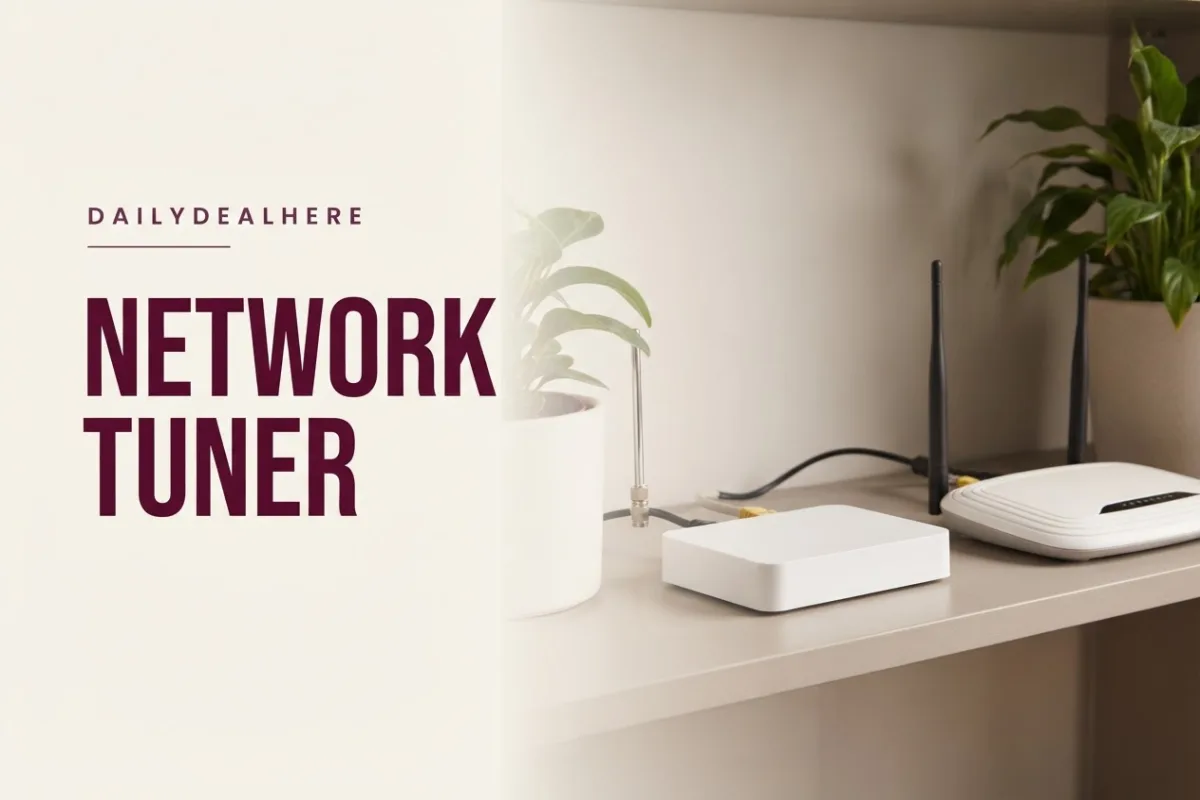
SiliconDust’s HDHomeRun takes the network idea further. Its DVR page describes the tuners as turning your home network into the DVR, with live and recorded TV available on devices you already own, from Android TV, Fire TV, Apple TV and Roku boxes to Xbox, iOS, Windows and Mac. It says any number of HDHomeRun tuners on the network work together as one DVR, and recordings can be stored on USB drives attached to a FLEX tuner, on network attached storage, or on computers acting as storage, all pooled together.
SiliconDust lists three FLEX models for antenna TV: the FLEX DUO with two tuners, the FLEX QUATRO with four, and the FLEX 4K with four tuners and support for ATSC 3.0, the newer broadcast standard branded as NextGen TV. The company describes its recording service as a subscription DVR solution, so budget for that alongside the hardware.
Recording with Plex and a network tuner
If you already use Plex to organize movies and shows, you can add live TV and recording. Plex’s support article states that you must have a compatible tuner and antenna connected to your Plex Media Server, and that recording is a premium feature requiring an active Plex Pass subscription.
Setup runs through a wizard that searches your network for compatible tuners, scans for channels, and matches them to a program guide by postal code. Plex recommends giving a network tuner such as an HDHomeRun a fixed local IP address, or a DHCP reservation on your router, so the server can always find it. Its DVR settings include preferring HD recordings, starting early or ending late by a set number of minutes, allowing partial recordings of shows already in progress, and optional commercial detection, which Plex notes is not always perfect.
Is there a DVR that works with an antenna and no subscription?
Yes, but read the fine print. The Free TV Project describes Tablo’s fourth generation models as including recording and a 14-day guide with the one-time purchase. By contrast, it describes the TiVo EDGE for Antenna as using monthly, yearly or lifetime plans, SiliconDust describes HDHomeRun’s DVR as a subscription service, and Plex requires a Plex Pass to record.
Subscription terms change, so check the current details on the maker’s site before you buy. The key questions are whether recording itself needs a plan, whether the program guide needs a plan, and what happens to your recordings if you stop paying.
How many tuners do you need?
A tuner receives one channel at a time. The Free TV Project explains that DVRs with multiple tuners can record several programs at once, even while you watch something else.
| Household | Suggested tuners | Why |
|---|---|---|
| One person, mostly live TV | 2 | Record one show while watching another |
| Couple or small family | 2 to 4 | Handles overlapping prime time recordings |
| Busy household, several TVs | 4 or more | Several people watching live while others record |
| Sports and news heavy viewing | 4 or more | Games and newscasts often overlap across channels |
Prime time is where conflicts happen. If two networks air shows you want in the same hour and someone is watching a third channel live, you need three tuners. Network systems such as HDHomeRun let you add more tuners later, which SiliconDust describes as never running out of tuners.
How much storage do you need?
Storage decides how much you can keep. The Free TV Project cites 50 hours of recording included with Tablo’s fourth generation models and up to 75 HD hours on the TiVo EDGE for Antenna’s 500GB drive. It also notes that some DVRs automatically delete old recordings to make room, while others delete them after a set period, so check how a device manages space.
- Casual viewers who watch recordings within a few days can manage with built-in storage.
- Collectors who keep whole seasons should choose a device that accepts a USB hard drive or network storage.
- Space saving: Plex offers an experimental option to convert recordings to H.264 while recording, which it says saves space and improves compatibility but requires a fast processor.
Setting up an OTA DVR
The Free TV Project outlines the basic steps, which apply to most standalone boxes.
- Connect the antenna’s coaxial cable to the DVR’s RF input.
- If the model needs a USB hard drive, attach it.
- Connect the DVR to your router with an Ethernet cable if it uses the internet.
- Connect the DVR to the TV, usually with HDMI.
- Plug in power and put batteries in the remote.
- Run the channel scan and follow the on screen setup for guide data.
For network models, the antenna and router connections are the same, but you finish setup in an app rather than on a TV input. Place a network tuner where the antenna cable and a router connection can both reach it, since the antenna position matters most for reception.
Get your antenna right first
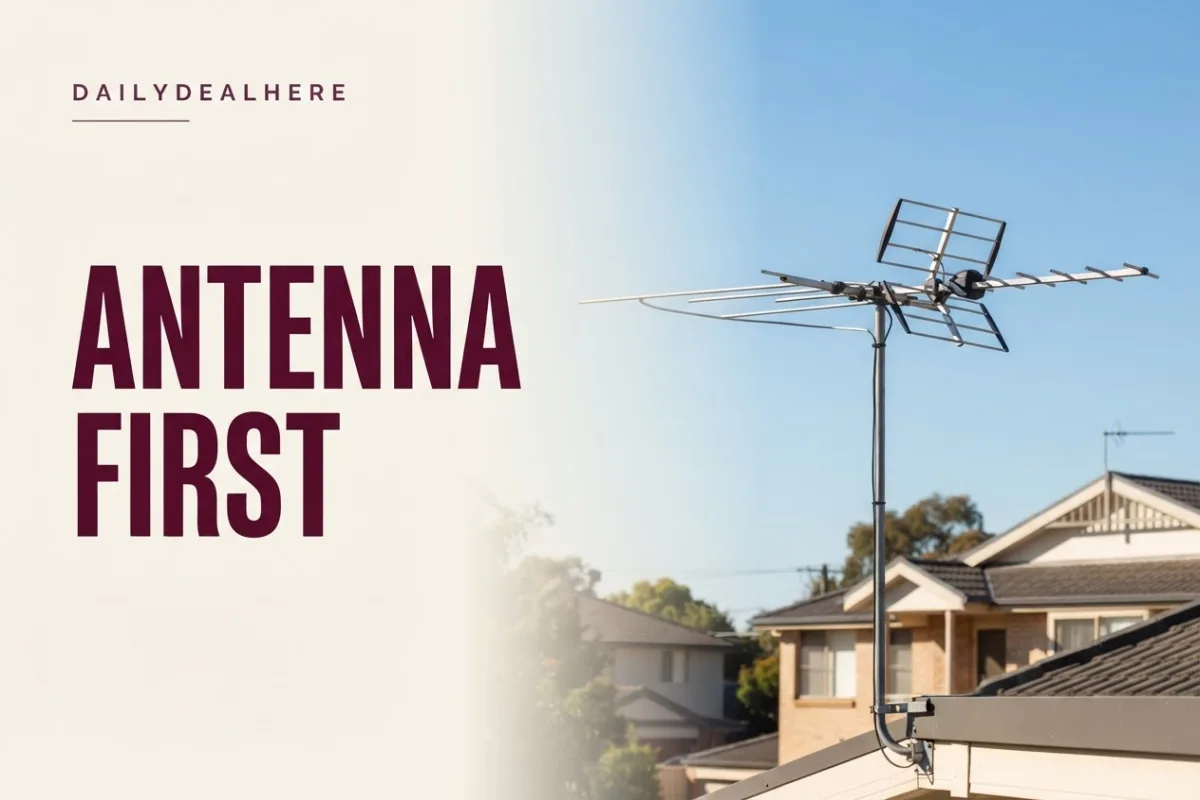
A DVR can only record what the antenna receives cleanly. The Free TV Project suggests checking the FCC’s DTV Reception Maps to see which stations you should receive and how strong their signals are. It notes that rural homes may do better with an outdoor directional antenna, while urban and suburban homes are often fine with an indoor omnidirectional model. After connecting the antenna, run a channel scan, and adjust and rescan until reception is solid.
Weak signals cause recordings that break up or cut out, which is easy to blame on the DVR. Fix reception before troubleshooting the recorder. Our guide to the best antennas for local TV stations covers indoor and outdoor options.
Recording, playback and scheduling tips
- Record what you are watching: the Free TV Project says most DVR remotes have a Record button, and many will capture the whole program if you started watching from the beginning, sometimes only within a set window such as the first 30 minutes.
- Pad live events: sports often run long, so use settings like Plex’s minutes after end to keep recording past the scheduled finish.
- Record series, not episodes: most DVR apps let you schedule a whole series so new episodes are captured automatically.
- Prefer HD: where a DVR offers it, choose HD recordings when both HD and SD airings exist.
- Watch the guide: Plex notes that guide data is often missing for low power local channels, so manual recordings may be needed for those.
Watching recordings on every TV

With a network design, any compatible streaming device becomes a DVR screen. SiliconDust lists apps across Android TV, Fire TV, Apple TV, Roku, Xbox, iOS, Windows and Mac. That means you may not need a separate box for each room, just a streaming device or smart TV that runs the app. Our guides to the best Google TV boxes and the best TVs cover devices that can serve as the screen end of a network DVR.
A wired Ethernet connection for the tuner, and ideally for the main TV’s streaming device, reduces buffering when several people watch at once. Wi-Fi works for many homes, but a busy network can stutter during recordings.
What about NextGen TV (ATSC 3.0)?
ATSC 3.0, which SiliconDust labels NextGen TV, is a newer broadcast standard that some stations use alongside the older ATSC 1.0. Not every tuner can receive it. In SiliconDust’s lineup, only the FLEX 4K lists ATSC 3.0 support, while all three FLEX models support ATSC 1.0.
If your local stations broadcast in ATSC 3.0 and you care about those channels, check that any DVR you buy supports the standard and confirm how it handles recordings of those channels on the maker’s current support pages, since features for NextGen broadcasts are still evolving.
Is it legal to record TV from an antenna?
In the United States, recording broadcasts at home to watch later has long been treated as lawful. In the 1984 case Sony Corp. of America v. Universal City Studios, the Supreme Court held that personal, noncommercial time-shifting in the home, recording a broadcast to watch it at a later time, was fair use, as summarized on Wikipedia’s article on the case.
That ruling concerned private home use. Selling, publicly showing or distributing recordings is a different matter, so keep recordings for your own household.
How to choose the right DVR for you
- Count the screens that need live and recorded TV. One points to a standalone box, several to a network design.
- Count the shows you record at the same time, and choose at least that many tuners, plus one if someone watches live.
- Decide how long you keep recordings, and make sure storage can grow if needed.
- Check subscription terms for recording and the guide, and add them to the real cost.
- Check compatibility with the streaming devices and TVs you already own.
- Confirm ATSC 3.0 support if your local stations use it.
- Make sure your antenna reception is solid before blaming the DVR for glitches.
The Free TV Project sums up the decision well: think about how you plan to use the DVR, how many shows you want to record or watch at once, whether you want recordings on other devices, and how much you want to spend.
Example setups for different households
Seeing the options applied to real living situations makes the choice easier. These are typical patterns rather than product endorsements.
- A retiree with one living room TV: a standalone OTA DVR is the most familiar experience, with one remote, one guide and no apps to learn. The main decision is whether its service plan is worth paying for.
- A couple with a TV in the living room and bedroom: a two or four tuner network DVR lets both TVs share one set of recordings through streaming devices, so a show started in one room can be finished in the other.
- A family of sports fans: overlapping games are the norm, so four tuners and room to add storage matter more than anything else. A network tuner system that can grow, such as HDHomeRun, suits this pattern.
- A home media enthusiast: someone already running Plex for a movie library can add a network tuner and a Plex Pass to keep live TV, recordings and personal media in one app.
- A renter in a small apartment: an indoor antenna and a compact network DVR avoid drilling and cabling, as long as the antenna can sit near a window with good reception.
Whatever the household, the same three constraints decide the answer: the number of screens, the number of simultaneous recordings, and the total cost including any subscription. Work those out first and the right device usually becomes obvious.
Troubleshooting common recording problems
- Recordings break up or freeze: usually weak signal. Reposition the antenna and rescan.
- A channel is missing from the guide: guide data may not exist for low power stations. Set a manual recording.
- Network tuner not found: give it a fixed IP or DHCP reservation, as Plex recommends.
- End of a game is cut off: add minutes after the scheduled end.
- Storage full: review auto delete settings or add a USB drive or network storage.
- Buffering on other TVs: use Ethernet for the tuner or reduce the load on Wi-Fi.
Frequently asked questions
What is the best way to record TV shows from an antenna?
Use an over-the-air DVR. A standalone box suits one main TV, while a network tuner such as HDHomeRun or a network DVR such as Tablo puts live and recorded TV on every device in the house through apps.
Is there a DVR that works with an antenna?
Yes. Look for a DVR sold specifically for over-the-air TV. The Free TV Project notes that not every DVR is compatible with an antenna, and some compatible models are harder to set up than others.
What is the best DVR for OTA TV without a subscription?
The Free TV Project describes Tablo’s fourth generation models as including recording and a 14-day guide with the one-time purchase. Other options such as TiVo EDGE for Antenna, HDHomeRun and Plex use paid plans. Check current terms before buying.
Can I record antenna TV with Plex?
Yes, with a compatible tuner and antenna connected to your Plex Media Server. Plex states that recording is a premium feature that requires an active Plex Pass subscription.
How many shows can an OTA DVR record at once?
One per tuner. A two tuner DVR records two channels at once, and a four tuner model records four. Network systems such as HDHomeRun let you add more tuners over time.
Can I pause live antenna TV?
Yes, with an OTA DVR. The Free TV Project notes you can usually pause and rewind a show you are watching live even if you are not recording it, then return to the live point.
Is it legal to record over-the-air TV?
For private home use, yes. In Sony Corp. of America v. Universal City Studios in 1984, the Supreme Court held that personal, noncommercial time-shifting in the home was fair use.
Do I need a special tuner for NextGen TV?
Yes. ATSC 3.0, marketed as NextGen TV, needs a compatible tuner. In SiliconDust’s HDHomeRun lineup, only the FLEX 4K lists ATSC 3.0 support.
Fix your antenna reception, count your screens and tuners, check the subscription terms, and pick the DVR design that fits how your household actually watches. Free broadcast TV becomes far more useful once you can watch it on your own schedule.










Write Your Review
No reviews yet. Be the first to share your experience!