

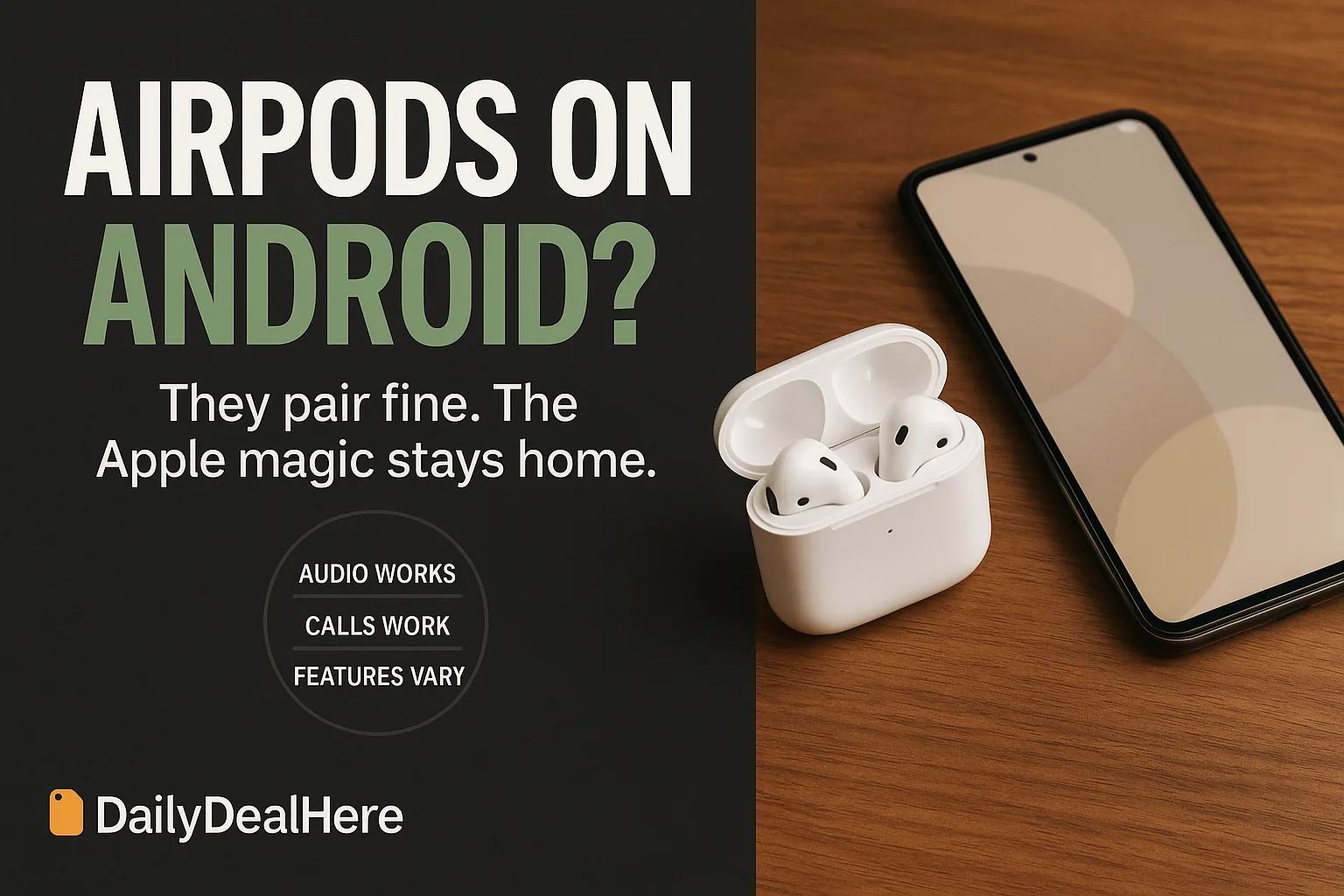
AirPods work with Android for the things that matter most: they pair over standard Bluetooth, play audio at full quality for the codec Android supports, and handle calls with their built-in microphones. What you lose is the Apple software layer, which is a longer list than most people expect. No one-tap pairing, no automatic switching between devices, no battery percentage on screen, no control customization, no ear tip fit check, no spatial audio, no Find My integration, and no firmware updates without borrowing an Apple device.
This guide walks through what works and what does not, how to pair them properly, what calls are actually like on Android, the workarounds that close part of the gap, which AirPods model makes the most sense if you are staying on Android, and when a different pair of earbuds is simply the better purchase.
The short version, feature by feature
| Feature | On Android |
|---|---|
| Audio playback | Works over standard Bluetooth |
| Phone and video calls | Works, microphones function normally |
| Active noise cancellation | Works on Pro and Max models |
| Transparency mode | Works, toggled by stem press |
| One-tap pairing animation | Lost, pair manually in Bluetooth settings |
| Automatic device switching | Lost entirely |
| Battery percentage on screen | Lost natively, third party apps approximate it |
| Customizing press and hold controls | Lost, settings live only in iOS |
| Ear tip fit check | Lost |
| Spatial audio and head tracking | Lost or unreliable |
| Automatic ear detection | Inconsistent |
| Find My location tracking | Lost |
| Firmware updates | Require an Apple device |
How to pair AirPods with an Android phone
The process is the same as any generic Bluetooth headset, which is precisely the point. Put both earbuds in the case and leave the lid open. Press and hold the small button on the back of the case until the status light blinks white. On the phone, open Settings, then Connected devices or Bluetooth depending on your Android version, and choose to pair a new device. Select the AirPods from the list and confirm.
If they do not appear, close the lid for ten seconds and repeat, holding the button longer. If they appear but will not connect, remove any stale pairing entry from a previous phone and try again. Once paired, the connection persists like any other headset, and opening the case near the phone reconnects automatically in most cases.
One tidy habit: rename them in your phone’s Bluetooth settings to something specific. Households with several Apple devices generate a confusing list of identically named entries, and a clear name saves time every week.
Sound quality: the codec question
AirPods support the SBC and AAC codecs. Android supports both, so audio quality is fundamentally fine, but AAC performance on Android has historically been less consistent than on iPhone because encoder implementations vary by phone manufacturer and by Android version. In practice most people hear no meaningful difference, while some report slightly softer detail than the same earbuds on an iPhone.
What you cannot get is the higher bandwidth codecs many Android-first earbuds use, since AirPods do not support aptX or LDAC. If you specifically want the highest quality wireless audio your Android phone is capable of, that alone is a reason to look at earbuds built for the platform.
Some Android phones let you force the codec in developer options. It is worth trying AAC versus SBC and listening for yourself rather than assuming the default choice is best on your particular handset.
Calls on Android: fine, not flagship
Calls connect and the microphones do their job, so for occasional use nobody on the other end will complain. The gap shows in the details around the call rather than in the audio itself.
Without the Apple layer, moving a call between your phone and a laptop is a manual disconnect and reconnect rather than a tap. In-ear detection, which should pause when you remove an earbud and resume when you replace it, behaves inconsistently, so a bud pulled out mid-call may leave audio playing where you did not expect. And you cannot remap what a squeeze or a tap does, which matters most for the gesture that answers or ends a call.
For people whose primary use is long calls on Android, earbuds with a companion app that lets you set mic behavior, sidetone and button mapping deliver a materially better experience for the same money.
Noise cancellation and transparency
Good news for Pro owners: active noise cancellation and transparency both work normally on Android, since they run entirely on the earbuds themselves rather than relying on the phone. You switch between them with a long press on the stem, exactly as you would on an iPhone.
What is missing is the ability to choose which modes that long press cycles through, or to disable one you never use. On iOS you can set the press to cycle only between cancellation and transparency; on Android you get whatever the earbuds were last configured to do. If you have access to an Apple device even briefly, setting your preference there first is worth doing, because the setting persists in the earbuds afterwards.
The firmware problem nobody mentions before you buy
AirPods update their firmware automatically, but only while connected to an iPhone, iPad or Mac. There is no manual update mechanism, no cable method, and no Android path. An Android-only owner runs whatever firmware shipped in the box, forever.
Usually this breaks nothing. Occasionally it matters: firmware updates have historically fixed connection stability issues, adjusted noise cancellation behavior and addressed battery management. Missing those means living with any quirk your particular batch shipped with.
If anyone in the household owns an Apple device, connecting the AirPods to it occasionally, even just leaving them near it with the lid open while it is on Wi-Fi and charging, is enough to let updates land. That is the entire workaround, and it is worth doing a couple of times a year.
Third party apps: what they can and cannot restore
The Android app stores contain several utilities aimed at AirPods owners, and it helps to be realistic about them. They work by reading Bluetooth advertising data the earbuds broadcast, so they can display an approximation of battery level for the buds and case, show a pop-up when you open the lid, and in some cases surface connection status in a notification.
What they cannot do is anything requiring Apple protocols: they cannot remap controls, cannot enable Find My, cannot run a fit check, cannot deliver spatial audio and cannot update firmware. Those functions live in software Apple does not publish for Android.
Two cautions before installing one. These apps often want intrusive permissions including location, which Android requires for Bluetooth scanning but which also enables other tracking, so read what you are granting. And battery-tracking utilities that poll constantly can affect your phone’s own battery life, which is an odd trade to make for a percentage readout.
Which AirPods model makes the most sense on Android
If a pair is coming to an Android phone regardless, the loss is not evenly distributed across the range.
Pro models keep the most value, because their headline features, noise cancellation and transparency, run on the earbuds and work fully on Android. You still pay for an Apple layer you cannot use, but you get the part most people bought them for.
Standard open-fit models lose proportionally more, since their appeal leans heavily on the seamless Apple ecosystem behavior rather than on isolation or sound. On Android they become a fairly ordinary pair of open earbuds at a premium price.
Over-ear models sit in between: excellent hardware, full cancellation on Android, but the highest price of the range and the largest share of features stranded on the wrong platform.
When AirPods on Android genuinely makes sense
Several situations justify it easily. You already own them from a previous phone. Your household mixes platforms and the same earbuds serve an iPad or a Mac at home. Someone gave them to you. You value the case size, the fit or the transparency mode specifically and have compared alternatives.
In all of those, the answer is straightforward: pair them, accept the missing conveniences, and enjoy hardware that is genuinely good. Nothing about using AirPods on Android is broken or unreliable in day to day listening.
When it does not make sense
Buying a new pair specifically for an Android phone is the case that rarely holds up. The same money buys earbuds whose entire feature list works on your device: multipoint connection to phone and laptop at once, a companion app for equalizer and control mapping, battery readouts built into Android, higher bandwidth codecs, and firmware updates that arrive without borrowing hardware.
Our wireless earbuds guide covers the strongest all-platform picks, and for people whose priority is call quality on Android specifically, our Android earpiece roundup is built around exactly that use case.
Battery life and charging on Android
Battery performance itself is unchanged, since the earbuds manage their own power. What changes is your visibility into it. Without an on-screen percentage, you are relying on the case light and on the low battery chime, which arrives with little warning.
Two habits compensate. Put the case on charge as a routine rather than in response to a warning, ideally overnight in the same spot every day. And when one earbud dies mid-session, remember you can keep listening on the other while the first charges, which is a genuine advantage of a true wireless design and turns a dead bud into an inconvenience rather than an end.
The case charges over USB-C or Lightning depending on generation, and wireless charging pads work if your case supports it, so the Android side introduces no charging limitation at all.
Troubleshooting the common annoyances
They connect but audio plays from the phone speaker
Android sometimes connects the media profile and the call profile separately. Open the device entry in Bluetooth settings and confirm both media audio and phone audio are enabled for the AirPods.
One earbud is silent
Usually a charge imbalance or a stale connection. Put both back in the case, close the lid for thirty seconds, and reopen. If it persists, forget the device on the phone and pair again from the case button.
Audio lags behind video
Bluetooth latency varies by codec and app. Many video apps compensate automatically; those that do not may improve if you switch codec in developer options. Gaming remains the use case where the delay is most noticeable and least fixable.
Connection drops in busy places
Crowded 2.4GHz environments affect all wireless earbuds. Keeping the phone on the same side of your body as the dominant earbud helps more than people expect, since your body blocks the signal.
Multipoint: the feature Android users miss most
Ask people who switched from AirPods to Android-first earbuds what they noticed, and multipoint comes up before sound quality. Multipoint keeps the earbuds connected to two devices at once, typically a phone and a laptop, and switches audio automatically to whichever one starts playing. A call arrives while you are watching something on the laptop and the earbuds simply move.
AirPods do this beautifully inside the Apple ecosystem and not at all outside it. On Android paired with a Windows laptop, you disconnect from one and connect to the other manually every single time, through two separate settings screens. For someone who alternates between phone and computer a dozen times a day, that friction accumulates into a genuine daily annoyance.
This is the single strongest practical argument for platform-native earbuds on Android, and it is worth weighing more heavily than specifications, because it is a thing you feel every hour rather than a number on a page.
Using them across Android, Windows and ChromeOS
AirPods behave as generic Bluetooth headsets on all three, which means they work and nothing more. Windows pairs them from Bluetooth settings and treats them as a headset with a microphone, though Windows historically handles the switch between high quality playback and call microphone mode awkwardly, dropping audio quality noticeably during calls.
ChromeOS pairs them cleanly and behaves much like Android: playback and calls work, extras do not. On both platforms the manual reconnection dance applies, and neither shows battery level natively.
A practical arrangement for people with several devices: keep the AirPods paired to the device you use most and treat the others as occasional, rather than switching constantly. Fighting the lack of multipoint by re-pairing repeatedly is the fastest way to become frustrated with an otherwise good product.
Warranty, support and repairs without an Apple device
Warranty coverage is not conditional on owning an iPhone. AirPods carry the same limited warranty regardless of what you pair them with, and Apple support will handle a hardware fault for an Android user the same way.
Two practical wrinkles. Diagnostics at a service appointment usually involve connecting to an Apple device, which the store provides, so that is fine. And a replacement earbud sourced through service may ship on different firmware than the one you kept, which on an Android-only setup you cannot reconcile, occasionally producing odd behavior between the two buds. Mentioning at the appointment that you use Android is worth doing so they can match firmware before handing them over.
Keep the original packaging or a photo of the serial numbers. Without Find My or an Apple ID association, that paperwork is your only proof of ownership and the only route to identifying which pair is yours.
If you might switch to iPhone later
One reasonable argument for buying AirPods while on Android is a planned platform move. If an iPhone is likely in your near future, the earbuds you buy today will unlock their full feature set the moment you switch, with no purchase needed at that point.
Be honest about the timeline though. Buying today for a switch that may or may not happen next year means paying now for features you will not use for a year, while the earbuds age from the day they arrive. If the switch is speculative rather than planned, that money buys more capability today in an Android-first pair.
Resale value is the counterweight worth knowing: AirPods hold their value on the used market better than most competing earbuds, so the eventual cost of choosing them and changing your mind is lower than it looks at purchase time.
Cleaning and everyday care
Nothing about care changes on Android, but it is the maintenance people skip and the reason earbuds sound worse over time. Wax and debris build up in the mesh over the driver, which muffles sound and can be mistaken for a codec problem or a failing bud.
Clean the mesh with a dry soft brush, never with liquid or anything pointed that could push debris through. Wipe the stems and case with a slightly damp lint-free cloth, and dry them fully. Clean the charging contacts in the case, since a bud that will not charge is usually a contact problem rather than a battery problem.
For Pro models with silicone tips, remove the tips periodically, rinse them in water without soap, dry them completely, and refit them firmly. A poorly seated tip degrades both noise cancellation and bass, and it is the most common cause of someone concluding their earbuds got worse.
The honest summary for an Android owner
Strip away the feature tables and it comes down to a single trade. AirPods on Android give you hardware that is genuinely excellent, comfortable, and well built, wrapped in an experience that is merely ordinary. Everything essential works; everything delightful stays behind on the other platform.
If you already own a pair, that trade is easy and you should stop worrying about it. Pair them, ignore the missing conveniences, and get on with listening. Nothing you lose affects sound, comfort or reliability in normal use, and the things that do run on the earbuds themselves, including noise cancellation, work exactly as advertised.
If you are choosing what to buy, be honest about how much of the price you are paying for software you cannot run. The value proposition of AirPods is not the drivers, it is the integration, and integration is precisely what an Android phone cannot accept. Spend the same money on earbuds built for your platform and you get the whole product rather than most of one.
Frequently asked questions
Can AirPods connect to an Android phone?
Yes. Open the case with both earbuds inside, hold the button on the back until the light blinks white, then pair from the phone’s Bluetooth settings like any headset. Audio and calls work over standard Bluetooth.
Do AirPods Pro noise cancellation and transparency work on Android?
Yes. Both run on the earbuds themselves, so they work fully and switch with a long press on the stem. What you cannot do is customize which modes that press cycles through, since those settings live in iOS.
How do I see AirPods battery level on Android?
Not natively. Third party apps can approximate battery level by reading the Bluetooth advertising data, but there is no built-in display like an iPhone shows. Those apps often want location permission and can affect phone battery life.
Can AirPods get firmware updates without an Apple device?
No. Updates install automatically only when connected to an iPhone, iPad or Mac, and there is no manual or cable method. Android-only owners stay on shipped firmware unless they occasionally borrow an Apple device.
Do AirPods sound worse on Android?
They support SBC and AAC, both of which Android handles, so quality is fundamentally fine. AAC performance varies more across Android phones than on iPhone, and AirPods do not support aptX or LDAC, so they cannot reach the highest bandwidth Android offers.
Does Find My work with AirPods on Android?
No. Location tracking through Find My requires Apple software, so an Android-only owner has no way to locate lost AirPods through the network. The last known Bluetooth connection is the only clue available.
Which AirPods are best for an Android user?
The Pro models retain the most value, because noise cancellation and transparency run on the earbuds and work fully. Standard open-fit models lose proportionally more, since their appeal depends more on Apple ecosystem behavior.
Are AirPods worth buying for an Android phone?
Usually not as a new purchase. They work well, but you pay for an Apple feature layer you cannot use, while Android-first earbuds at the same price offer multipoint pairing, a companion app, native battery display and firmware updates without borrowing hardware.










Write Your Review
No reviews yet. Be the first to share your experience!